How to check DualSense compatibility before a PC session
Connection support and individual game features require separate checks.
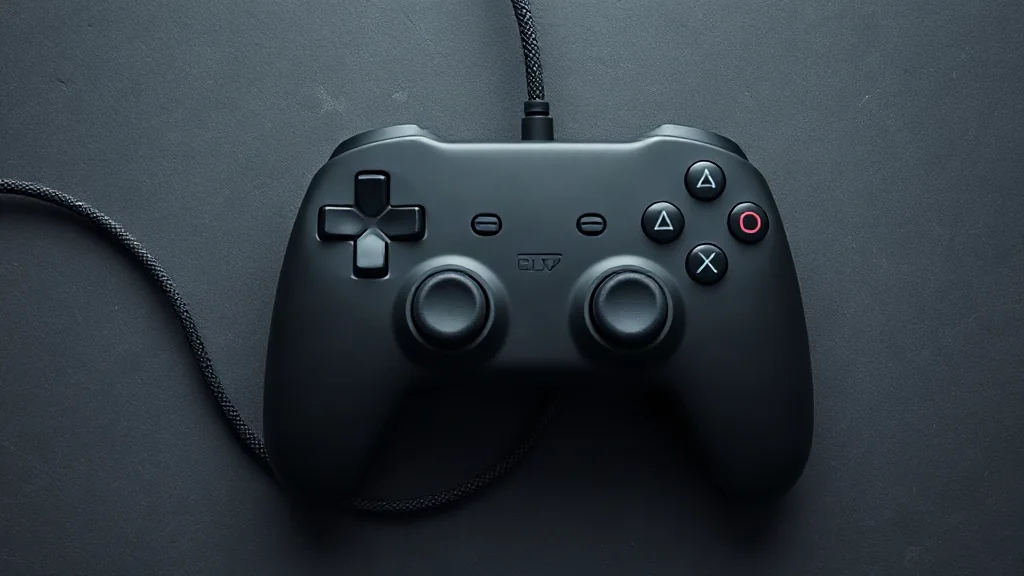
Start with the device you intend to use. DualSense pairs with supported devices through Bluetooth or USB, so confirm device support before choosing a connection. Pairing establishes a connection; the features available during play depend on the individual game.
On PC, haptic feedback requires USB in supported games. If that feature matters to your choice, check the game’s stated support and plan for a wired connection. Bluetooth pairing alone does not establish that the same feature will work.
Make the decision in three steps: confirm device compatibility, inspect the game’s controller information, then choose the appropriate connection. This keeps a practical distinction between using the controller and accessing a particular feature. Avoid assuming that one supported game represents the behaviour of another.
Browse PC controllers on Amazon UK